Cloud kitchen daily P&L — single-screen template for Swiggy/Zomato-only brands
Cloud kitchen daily P&L template for Swiggy/Zomato-only Indian brands — aggregator commissions, ad spend, packaging, contribution margin, and the brand-level view that owners actually need.
Last updated 9 Aug 2026
About this piece. A cloud kitchen running 1–5 brands on Swiggy and Zomato has a different P&L shape from a dine-in restaurant. There's no walk-in revenue, no covers metric, no till to count. Instead there's commission %, Hyperpure invoices, ad-spend bidding, packaging cost per order, and rider hand-off variance. Most cloud kitchens look at monthly aggregator dashboards and discover too late that brand B has been losing ₹40/order for 3 weeks. This piece gives you the daily P&L template that catches that on day 2.
Why monthly aggregator dashboards fail cloud kitchens
Three structural reasons:
- The dashboard shows you GMV and net payout. It doesn't show contribution margin per order net of food cost, packaging, and ad spend.
- Aggregator settlement is T+7 to T+14. By the time the money lands, the operating decisions are 2 weeks old.
- Multi-brand cross-subsidy is invisible. Brand A profitable, brand B bleeding — total payout looks fine, but the resource allocation is wrong. You'd kill brand B if you could see it daily.
The fix isn't a better aggregator dashboard. It's a daily P&L sheet at the brand level — built from your kitchen data, not the aggregator's.
The daily P&L — one screen, per brand
Brand: [BRAND NAME]                          Date: ___ / ___ / ___

REVENUE
  Gross orders (count)                          ___
  Gross order value (Swiggy)                  ₹ ___
  Gross order value (Zomato)                  ₹ ___
  Total GOV                                   ₹ ___ (A)

DEDUCTIONS (from GOV)
  Aggregator commission (avg 22%)             ₹ ___
  Ad spend (Swiggy/Zomato dashboard)          ₹ ___
  Discounts funded by brand                   ₹ ___
  Net realisation                             ₹ ___ (B)

DIRECT COSTS
  Food cost (recipe × orders)                 ₹ ___
  Packaging cost (per-order × orders)         ₹ ___
  Direct kitchen labour (allocated)           ₹ ___
  Total direct cost                           ₹ ___ (C)

CONTRIBUTION MARGIN
  CM = B − C                                  ₹ ___
  CM per order = CM / orders                  ₹ ___
  CM %  = CM / A × 100                            ___ %

GREEN / AMBER / RED  (CM% target = 18%+)
That's the template. One brand per page. Per day.
How to fill each row (the data sources)
| Row | Source | Frequency |
|---|---|---|
| Gross orders, GOV | Swiggy Partner App + Zomato Partner App | Daily, end-of-day |
| Aggregator commission | Aggregator dashboard "Net payout" section | Daily |
| Ad spend | Aggregator ads dashboard | Daily |
| Discounts | Aggregator promotion log | Daily |
| Food cost | Recipe cost × orders sold (per SKU) | Calculated daily |
| Packaging cost | Per-order packaging cost × orders | Daily |
| Direct kitchen labour | Total kitchen labour × brand's % of orders | Daily allocation |
The food cost row is the one most kitchens get wrong. You don't need invoice-level precision daily; you need a standardised recipe cost per SKU that you've calculated once and updated quarterly. Then daily food cost = sum of (orders per SKU × standard cost per SKU).
The contribution margin formula
CM₹  = (GOV − Commission − Ads − Discounts) − (Food + Packaging + Direct labour)
CM%  = CM₹ / GOV × 100
CM/order = CM₹ / Order count
Three thresholds:
| CM % | Status | Action |
|---|---|---|
| 22%+ | Green | Hold |
| 15–22% | Amber | Watch; review menu mix and ad ROI |
| <15% | Red | Investigate within 48 hours |
| <0% | Bleeding | Pause ad spend immediately, audit menu costing |
A brand at 18% CM% on GMV is healthy. A brand at 9% is a brand that needs surgery — usually either ad-spend bid too high, or menu pricing too low, or food cost crept up because Hyperpure prices moved.
The five most-common cloud kitchen leakage points
1. Ad spend ROI not measured per brand
Common failure: ₹400/day ad spend on brand B that drives ₹2,800 GMV → looks like 7× ROI. But subtract commission (22%), food cost (32%), packaging (4%), labour (8%) — net contribution = ₹952. After ad spend = ₹552. ROI on ad spend in CM₹ terms = 1.4×, not 7×. Look at CM₹ per ad rupee, not GMV per ad rupee.
2. Packaging cost crept up but menu price didn't
Foil container price went from ₹4 to ₹6. Multiply by 80 orders/day × 30 days = ₹4,800/month silent margin loss. Quarterly packaging-cost re-baseline is the only defence. Update template with new per-order packaging cost the day the new invoice comes.
3. Hyperpure / vendor price hikes not flagged
Hyperpure quietly raises chicken price by ₹14/kg. Recipe cost on chicken biryani goes up ₹3.20/order. 60 orders/day = ₹192/day = ₹5,800/month. Without monthly recipe-cost re-calculation you discover it at quarter-end. Set a calendar reminder: 1st of every month, recipe costs re-validated against last week's invoices.
4. Discount-funded promotions losing money
"Flat ₹100 off above ₹400" on a brand whose CM₹ per order is ₹95 = every promo order loses ₹5. Sounds tiny, but 40 promo orders/day = ₹200/day = ₹6,000/month. Rule: every promo's economics get modelled before launch using the contribution margin sheet, not after.
5. Multi-brand kitchen labour mis-allocation
If brand A produces 70% of orders but takes 40% of kitchen labour time (because brand B's menu has more prep), allocating labour by order-count under-costs brand B. Quarterly time-and-motion: head chef logs time per brand for 7 days. Allocate labour by time, not order count.
Composite Bangalore HSR cloud-kitchen operator runs 4 brands. Quarter-1 2026: monthly P&L showed total profitable. Started daily per-brand sheet in Feb. By Feb-week-3 brand C was visibly bleeding (CM% −4%). Audit: ad spend bid too aggressive on a low-margin biryani SKU. Bid cut, menu repriced. Brand C went to +12% CM% by April. Without the daily sheet, the next monthly review would've been April 5 — 6 weeks of avoidable loss.
The weekly owner pulse — Monday morning
Daily P&L is operational. Weekly pulse is strategic. Every Monday:
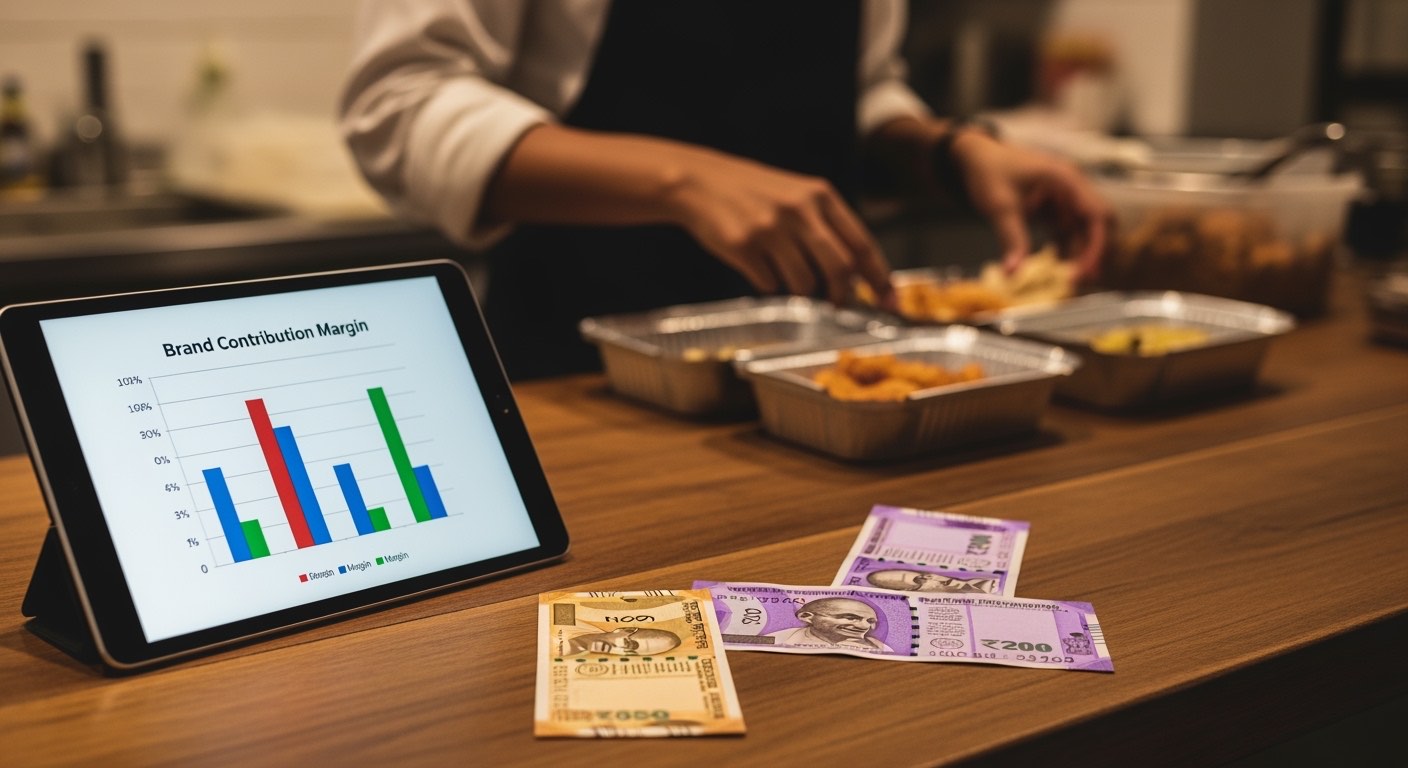
- Per-brand CM% trend (7-day) — any brand trending down 3 weeks straight = surgery candidate
- Ad spend ROI in CM₹ (per brand) — kill any campaign below 1.5× CM-ROI
- Top 5 SKUs by CM₹ contribution — these get menu-position priority
- Bottom 5 SKUs by CM% — drop or reprice candidates
- Aggregator commission % paid (Swiggy vs Zomato) — negotiate tier upgrades
Five numbers. 15 minutes. Surgical decisions.
What about Swiggy/Zomato base settlement variance?
Cloud kitchens routinely see ₹500–₹2,000/week in unexplained settlement variance — a Swiggy net payout that doesn't match what the operator's daily sheet expected. Three things help:
- Reconcile weekly, not monthly. Saturday morning: the past week's Swiggy net payout vs your daily sheets' expected. Unexplained gaps go into a "to chase" list.
- Raise tickets immediately. Swiggy/Zomato dispute windows are 30/45 days. After that, recovery probability drops sharply.
- Track recovery rate. Of the gaps you raise tickets on, what % do you actually recover? Below 60% = your raising process is broken (probably missing reference numbers).
Where this fits — the cloud kitchen full stack
| Layer | Tool / habit |
|---|---|
| Menu design + recipe costing | Quarterly recipe sheet refresh |
| Daily ops | Per-brand single-screen P&L (this piece) |
| Aggregator reconciliation | Weekly Saturday review |
| Strategic | Monthly per-brand CM% dashboard |
Restaurant Daily automates the per-brand daily P&L — pulls aggregator data, applies your recipe costs, flags red brands. You can also run it in Excel; the loop is the value, the tool is one way to run it.
What to do this week
Pick your two highest-volume brands. Build the per-brand daily sheet for both — even in pen-and-paper form for week one. Fill it for 7 days. By next Sunday you'll know which brand has CM% you didn't expect — almost always at least one surprise. That surprise is the entire ROI of starting the loop.
Related on Restaurant Daily
One operator playbook a week, in your inbox.
Cash close, petty cash, payroll, compliance, unit economics — sent every Monday morning. No spam, no upsell drip. Unsubscribe in one click.
Sent from noreply@restaurantdaily.ai. We never share your address.
Related reading
Bakery daily wastage tracking — SKU-level template + how to act on the data
Bakery daily wastage tracking for Indian bakeries — SKU-level Excel template, the four wastage categories, and the weekly review that turns the log into action.
Swiggy & Zomato discount cost analysis — true take-rate after promo + commission
Calculate the true Swiggy and Zomato take-rate on Indian restaurant orders after commission, payment fees, ad spend, and promo co-funding. Free worked example + formula.
Swiggy partner vs Zomato partner dashboards — what each shows, what's missing
Side-by-side of the Swiggy and Zomato restaurant partner dashboards in 2026 — sales, ratings, ad spend, payout reconciliation, and the gaps both leave for operators.
Menu engineering matrix for Indian restaurants — Stars, Plowhorses, Puzzles, Dogs
Menu engineering for Indian restaurants — Stars, Plowhorses, Puzzles, Dogs explained with a free template, worked example, and an action playbook for each quadrant.
COGS vs prime cost restaurant India — what each tells you and how to track both
COGS vs prime cost for Indian restaurants — what each metric tells you, the formulas, when each one is the right number to act on, and how to track both monthly.